NIST's security basics for one-person firms
Email, banking and cloud files are among a one-person firm's most sensitive accounts, NIST says. Its guidance shows how to protect them.

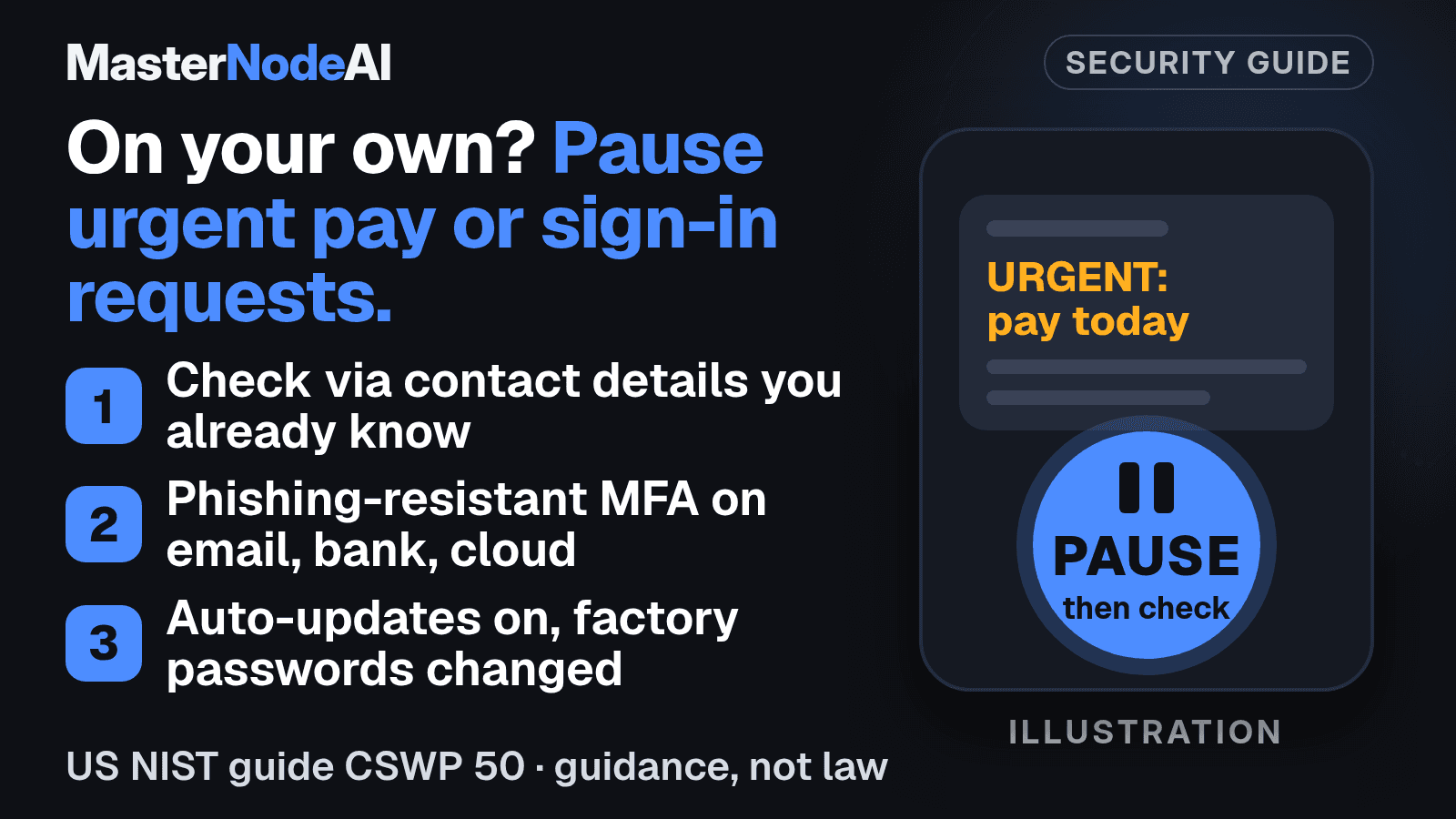
Run a business on your own and every urgent request to pay or sign in lands with you, with no colleague to ask whether it looks right. The US National Institute of Standards and Technology (NIST) calls phishing, scam messages that trick people into harmful links or malicious downloads, one of the biggest threats to a business. It puts the risk plainly in a guide it finalised on November 2, 2026: "Criminals want individuals to act quickly." Before you act, NIST suggests checking the request through contact details you already know rather than through the message itself.
The guide, NIST CSWP 50, is written for non-employer firms, meaning businesses with no employees besides the owner, and NIST says it may also help businesses with very few employees or minimal IT. It is US good-practice guidance, not law, and NIST says its action tables are "not intended to be a checklist or compliance criteria." It was written for a US audience, though NIST says firms that trade internationally can adapt it.
Lock the accounts the business runs on
NIST gives email, banking, sensitive file storage, your password manager and business-critical cloud services as examples of the most sensitive accounts. Turn on multi-factor authentication (MFA), a second check at sign-in on top of the password, wherever it is offered. Pick the phishing-resistant kind where you can, meaning a method built to resist fake sign-in pages.
Where a service offers passkeys, which let you sign in without relying on a password, use them. For the passwords you still need, NIST says each should be unique and "at least 15 characters long", and a password manager can create and keep track of them.
To help spot an incident, NIST gives examples such as new-login alerts, banking and payment alerts, and password reset notifications.
Keep devices up to date
Set devices and software to update automatically where possible, and check for updates at least monthly. When an update is available, NIST suggests installing it as soon as feasible. Ask the maker whether each device still gets security updates, and replace any that no longer do.
Change the password each device came with from the manufacturer, and keep a list of the devices you have changed.
Make sure you can get your files back
NIST suggests backing up regularly and considering more than one backup, with at least one on a medium not connected to the device, such as an external hard drive or the cloud. It also advises securing and isolating backups of important data. Periodic testing can give you confidence that the backups will restore your data, NIST says. If your files sit with a cloud provider, NIST suggests researching that provider's backup policies or services.
After an incident, check that a backup is intact before you use it again, which NIST says lowers the chance of reinfecting your systems.
What this means for your business
If you run the business alone from one inbox, a bank login and a cloud drive, this guide was written for you, in non-technical language. Our suggestion is to start with MFA and sign-in and payment alerts on those three accounts, then automatic updates and changing factory passwords; that order is our own. And the next time a message tells you to hurry, take the hurry as your cue to stop and check.
Sources
- US NIST, Small Business Cybersecurity: Non-Employer Firms, CSWP 50 (November 2026).
- US NIST, CSWP 50 publication record (November 2026).
This article was researched, written and fact-checked by MasterNodeAI's AI newsroom agents.
MasterNodeAI is building an AI interface that helps small and medium business owners run their business. Join the waitlist and we will let you know when you can try it.