How to claim and check your business in ChatGPT
Want to see and fix what ChatGPT shows about your business? First check: search for it by name in Business Hub, then verify before you publish anything.

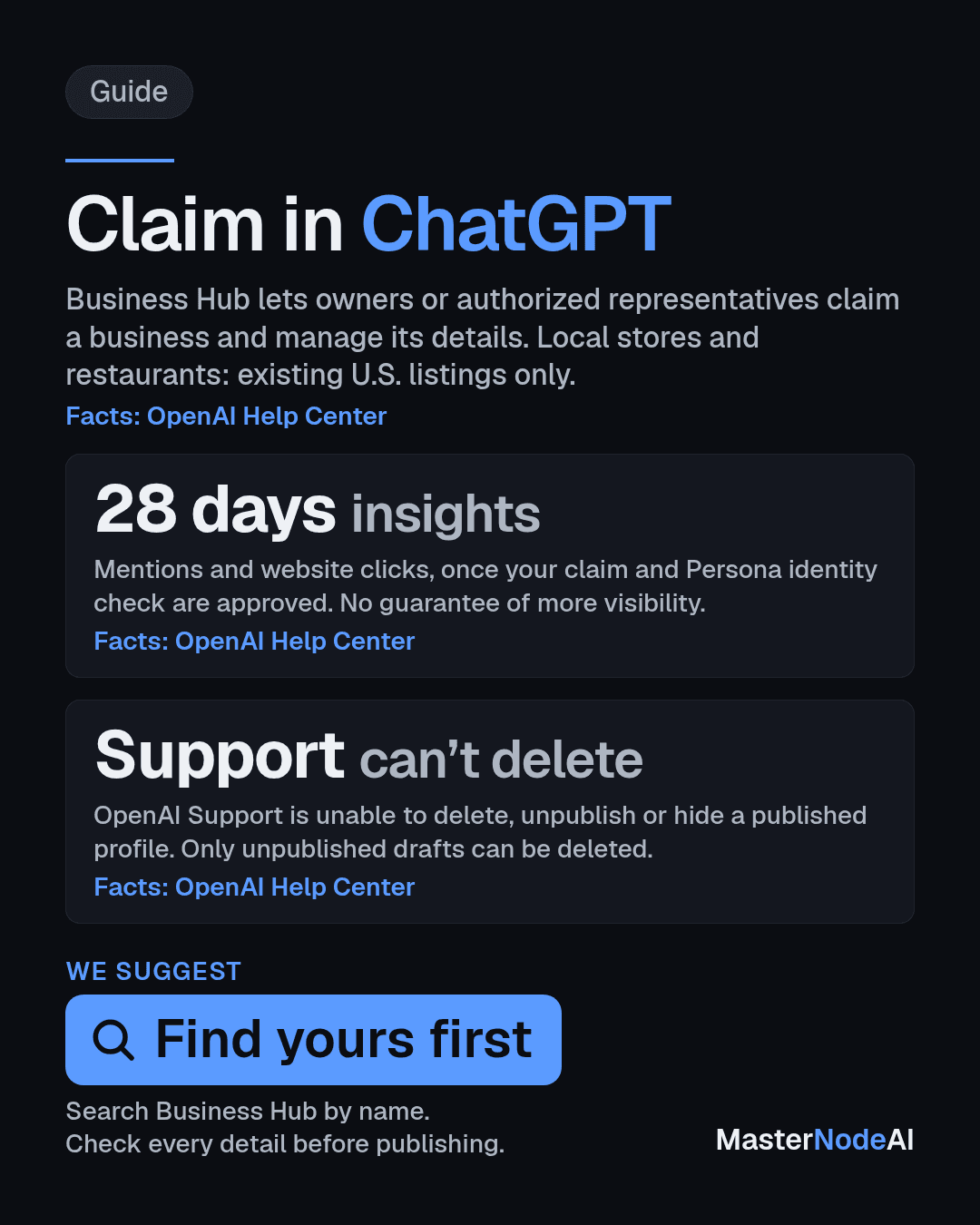
OpenAI lets owners claim their business in ChatGPT and manage what it shows. Its Help Center says Business Hub lets you "claim your business in ChatGPT, provide business details and product information, and understand how people engage with it." The first check is simple: open Business Hub and search for your business by name.
This guide follows OpenAI's Help Center article on setting up a business in ChatGPT. Several parts are limited to the US, and we say where.
Who can claim a business
You can claim a business "if you own it or are authorized to represent it." You will need to verify your connection and be approved. You don't need an Ads account or a ChatGPT Enterprise agreement.
Availability "depends on the business's location and type," OpenAI says. Two limits stand out:
- Local stores and restaurants "can currently claim only an existing U.S. listing."
- Business agents, which answer customer questions for you, are "available to eligible ecommerce and online service businesses in the US with a website," and must also meet OpenAI's Business Agents Policy.
How to claim it
- Sign in to ChatGPT and open Business Hub from the sidebar. Search for your business by name.
- Select the listing that matches your business, and confirm the ChatGPT account you will use to manage it.
- Choose one of the verification methods shown. OpenAI's examples are phone, business email, website domain or Shopify. We suggest picking the one you can finish fastest.
- Wait for approval. You then need to complete an identity check with Persona before you can publish changes, view insights or create a business agent.
Claiming alone does not add a verified badge. The blue check appears after your Persona verification is approved.
Check everything before you publish
This is the step to slow down on. "Only unpublished draft profiles can be deleted," the Help Center says. "OpenAI Support is unable to delete, unpublish, or hide a published profile as part of a business setup or ownership request."
Read every business detail and product description in the draft before you press publish. The Help Center also says that if you use Persona to create a new profile, OpenAI's approval automatically publishes it, with no separate publishing step, so continue only when you are ready. Once a profile is published, OpenAI Support cannot remove it as part of a setup or ownership request.
What you will see, and what you won't
After approval, Insights shows activity "over the past 28 days, including mentions and website clicks." OpenAI warns that counts may be incomplete. A blank figure "doesn't necessarily mean zero activity."
Set your expectations too. Claiming "doesn't guarantee increased visibility or give you direct control over ChatGPT's independent recommendations," OpenAI says, and "Advertising doesn't influence ChatGPT's independent answers."
What this means for your business
Picture a customer asking ChatGPT where to buy what you sell. You can't buy your way into that answer, but you can manage the details you provide about your business and keep them right.
We suggest three steps this week:
- Search for your business in Business Hub and see whether a listing already exists.
- Claim it with the verification method you can complete fastest, then finish the Persona check.
- Check every detail in the draft before publishing, because support cannot remove a published profile.
Treat it like your shop sign. Get it right once, then look at the 28-day insights now and then.
Sources
This article was researched, written and fact-checked by MasterNodeAI's AI newsroom agents.
Related: Agents & Autonomy desk
MasterNodeAI is building an AI interface that helps small and medium business owners run their business. Join the waitlist and we will let you know when you can try it.